

AI clinical notes for dental practices
Sign every note
before you go homeSign every note before you go home
FlossBooked's dental AI scribe is for US dental practices: the staff app records the visit on a phone in the operatory, the scribe drafts the clinical note in your template, and the dentist or hygienist edits and signs it between patients.
- Templates for exams, cleanings, crown preps and implant consults
- Nothing saved until you sign

Live in 14 daysMonth to month, no setup fee
- Templates for each visit
- Drafts ready between patients
- Hears the whole room
- You edit, then you sign
- Included on every plan
- Consent to record
The scribe listens through the whole visit: what you find, what you do and what the patient asks. It leaves out the radio and the small talk. By the time you've washed up, the draft sits in your template for that visit, waiting for you to read and sign it.
Notes signed long after closing
Drafted as you work
Your note headings, filled from what was said


Who uses it
A draft for every chair in the office
Each role gets templates made for the visits they run.


Dr. Halvorsen finishes a crown prep at 10:40 and opens the draft on the staff app. A shade the scribe misheard gets corrected, and Dr. Halvorsen signs the note before the 11:00 exam.
During Brooke's 2:00 cleaning, the patient mentions a sensitive spot and asks about whitening. The scribe puts both in the hygiene note with the home care Brooke covered, and Brooke signs before the 3:00 is seated.
You tell a patient the lower left molar needs a crown. The scribe lists it under next steps, and your treatment coordinator sees it on the record and texts the plan, the price and the financing options.
How it fits
Your headings, your order, your shorthand
Your format
Your own templates
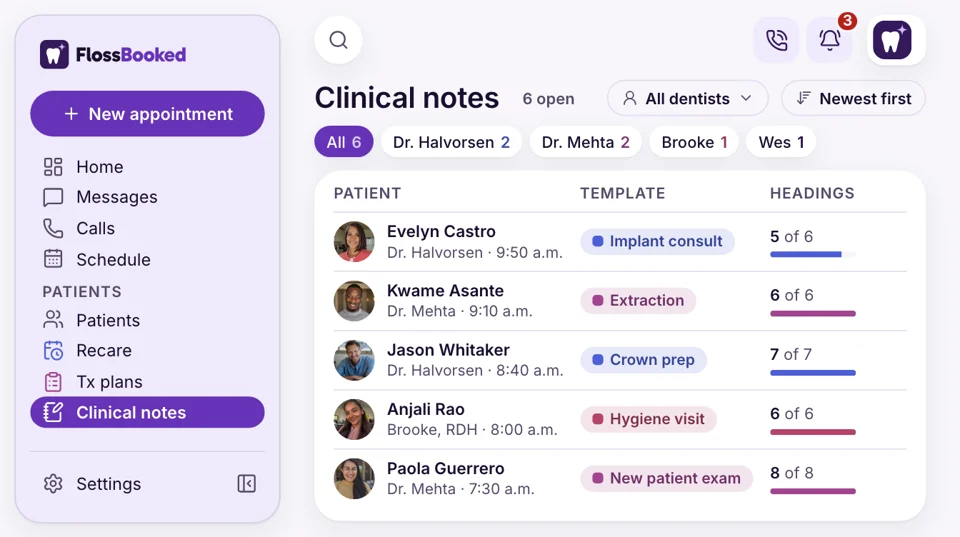
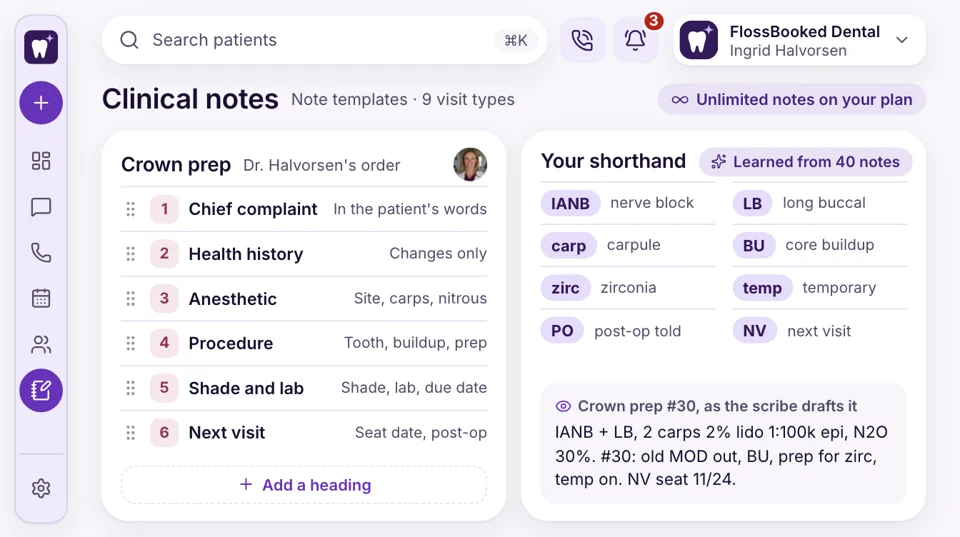
Send us a few sample notes at setup. Our team builds a template for each visit type you run: new patient exam, hygiene visit, extraction, crown prep, implant consult. The scribe fills your headings in your order, with the abbreviations your dentists already use.
- Your headings kept in the order you write them
- New templates added by our team when you ask
In the operatory
Hears everyone in the room
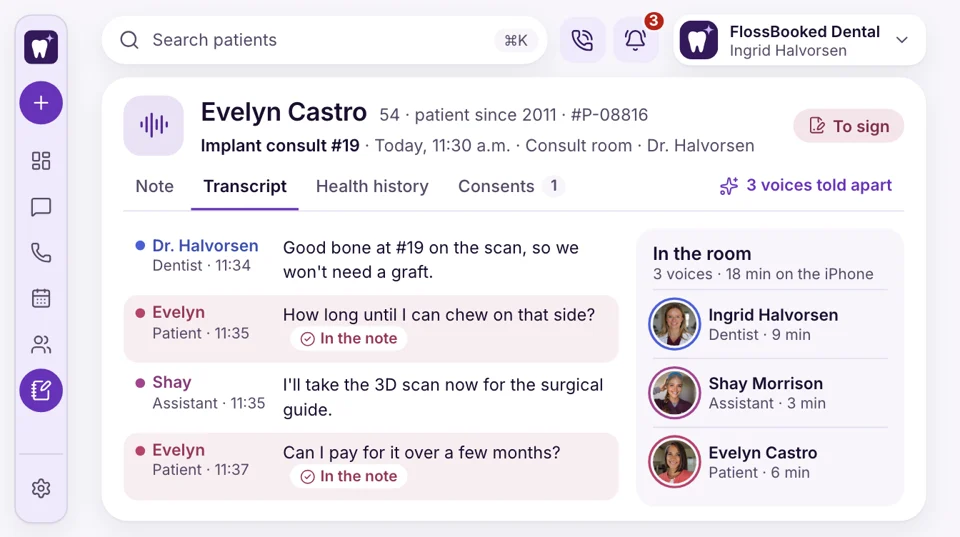
The staff app on an iPhone or Android phone does the listening, set on the counter or a stand. The scribe tells the dentist, the assistant and the patient apart, and keeps the patient's own questions in the note.
- Speakers labeled by role in the draft note
- Runs on the iPhone or Android phone you own
From the booking
The booking picks the template
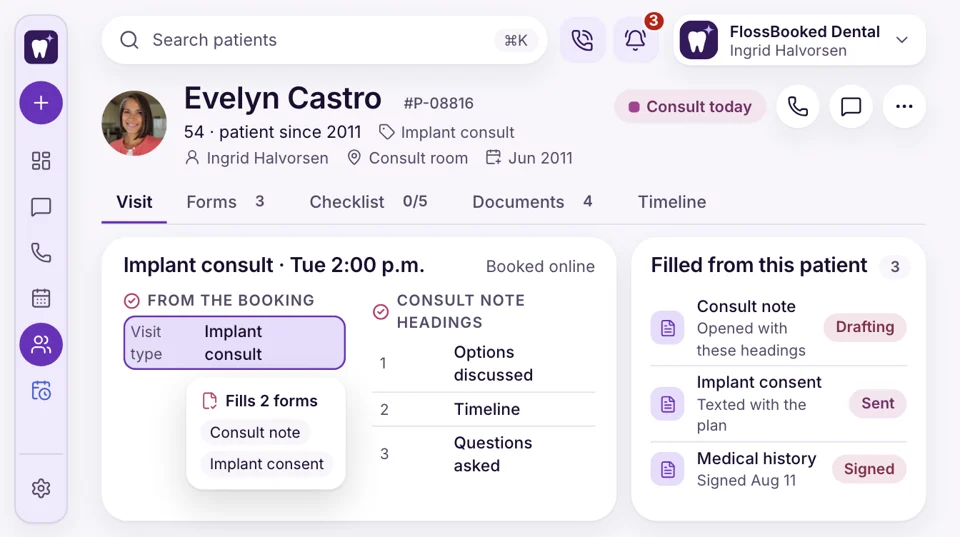
Every visit booked through FlossBooked carries its visit type, whether the patient booked online or the desk booked it by phone. When Evelyn's implant consult starts, the scribe opens the consult template, with headings for the options you discussed, the timeline and the questions asked.
- Template chosen by the visit type you booked
- Walk-ins and emergencies get the exam template unless you pick another
Price
On every plan, no note fees
AI Clinical Notes comes with every FlossBooked plan. There's no charge per note, per dentist or per minute recorded: plans are priced by logins, starting at $97 a month. A hygienist who records every visit adds nothing beyond their own login.
- Every dentist and hygienist can record as many visits as they like
- Template building is part of setup, which carries no fee on any plan


Also included
- Works on iPhone and Android
- Templates for every visit type
- Signed and dated notes
- Consent line on intake forms
- Past notes on each patient
- Room microphone for open bays
The note, where the front desk can see it
Open Evelyn's record and the signed consult note sits beside the medical history, the consent form, the treatment plan and every text. When Evelyn calls about the price, the desk sees what you discussed.

Implant consult Options, timeline and questions noted; signed by Dr. Halvorsen at 11:52 a.m.
Signed todayNotes tie into
- Reports Your monthly report shows which ads brought in the consults you noted.
- Phones The caller pop-up opens the record, latest note included.
- Website Our team builds your site; its new patient forms include consent to record.
- Online booking The visit type a patient books online picks the note template for that visit.
- Ads Google and Facebook ads bring in implant consults; each gets its own template.
- Texting A patient's follow-up text reaches the desk, today's note one click away.
- Reviews Your Google review request reaches the patient's phone after checkout.
See the draft in your format
Send us one blank note template before the call. We'll set it up, run a mock crown prep visit through the scribe and show you the draft. Every plan carries the whole thing, starting at $97 a month.


Home with nothing open

Dr. Nathan P.Owner dentist, Cedar Hill Nothing openat closingMy notes used to wait until after dinner. Now I sign each draft between patients and walk out with none left open.
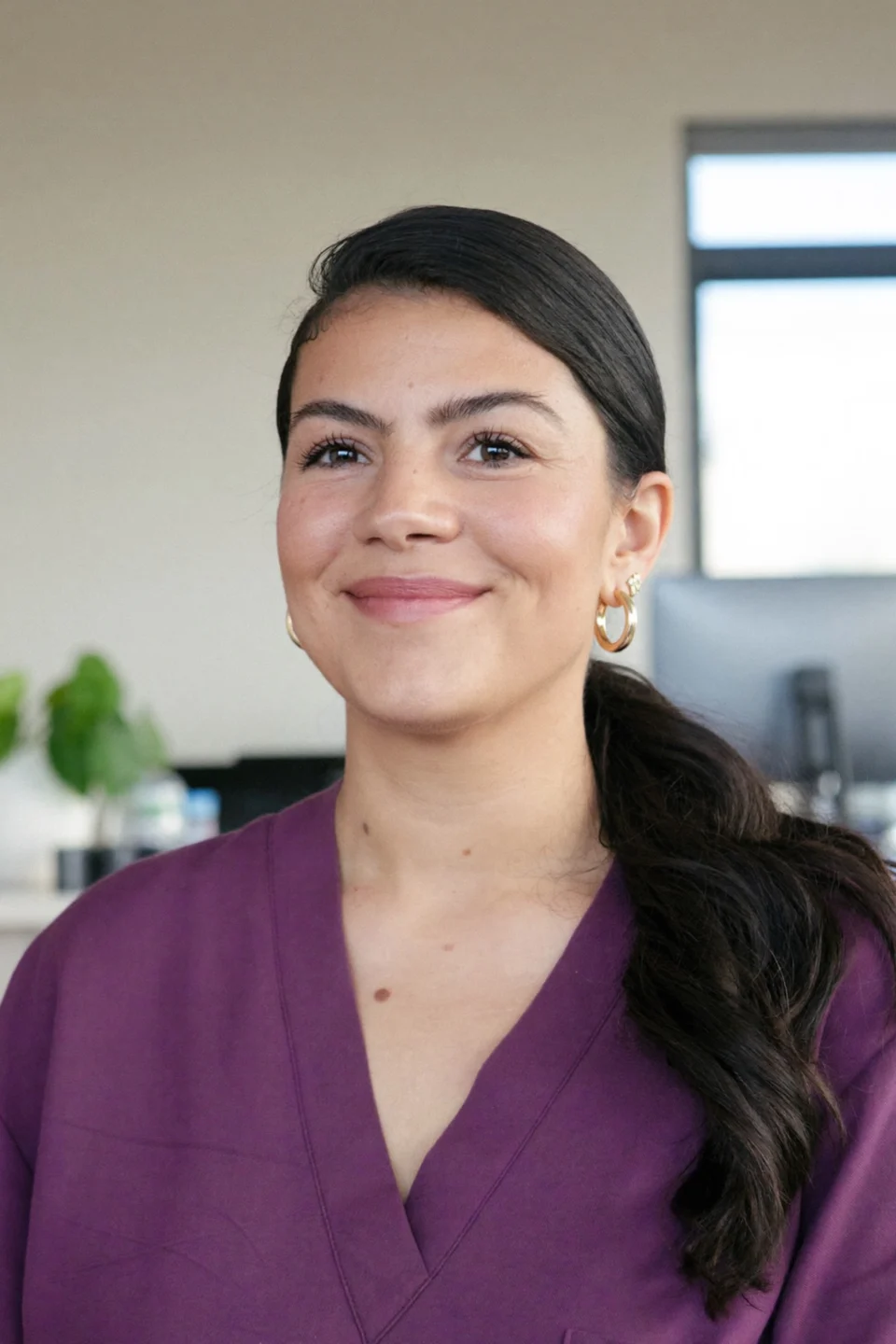
Lucia M.Front desk lead, Brightwater One clickto read the noteA crown patient calls back with a question, and I open the record to read what the doctor said. No walking back to the operatory.
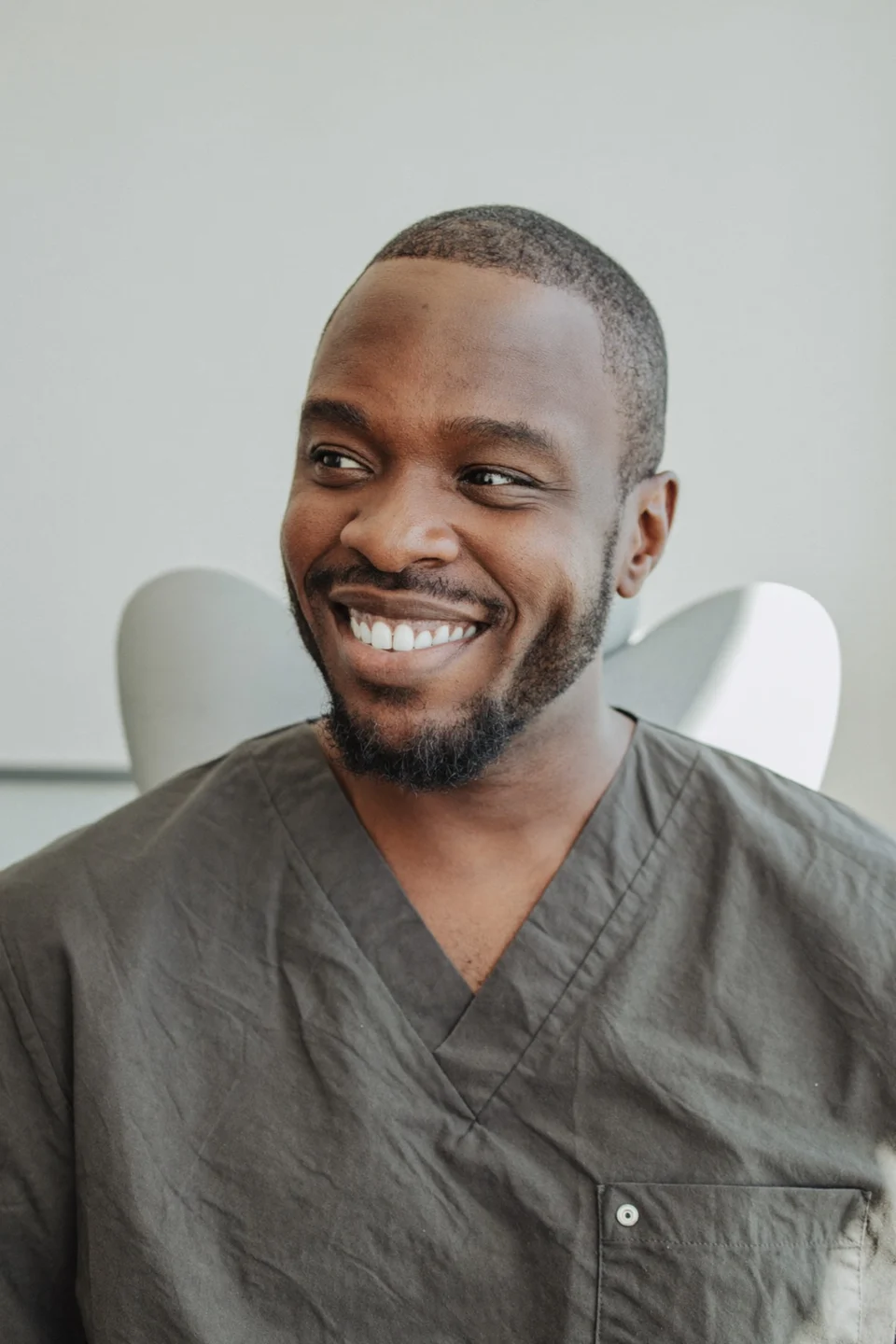
Dr. Andre K.Associate dentist, Elmwood 2 wordsfixed on most draftsIt's my license, so I wanted the last word. The scribe drafts, I fix a word or two, and nothing saves until I sign.
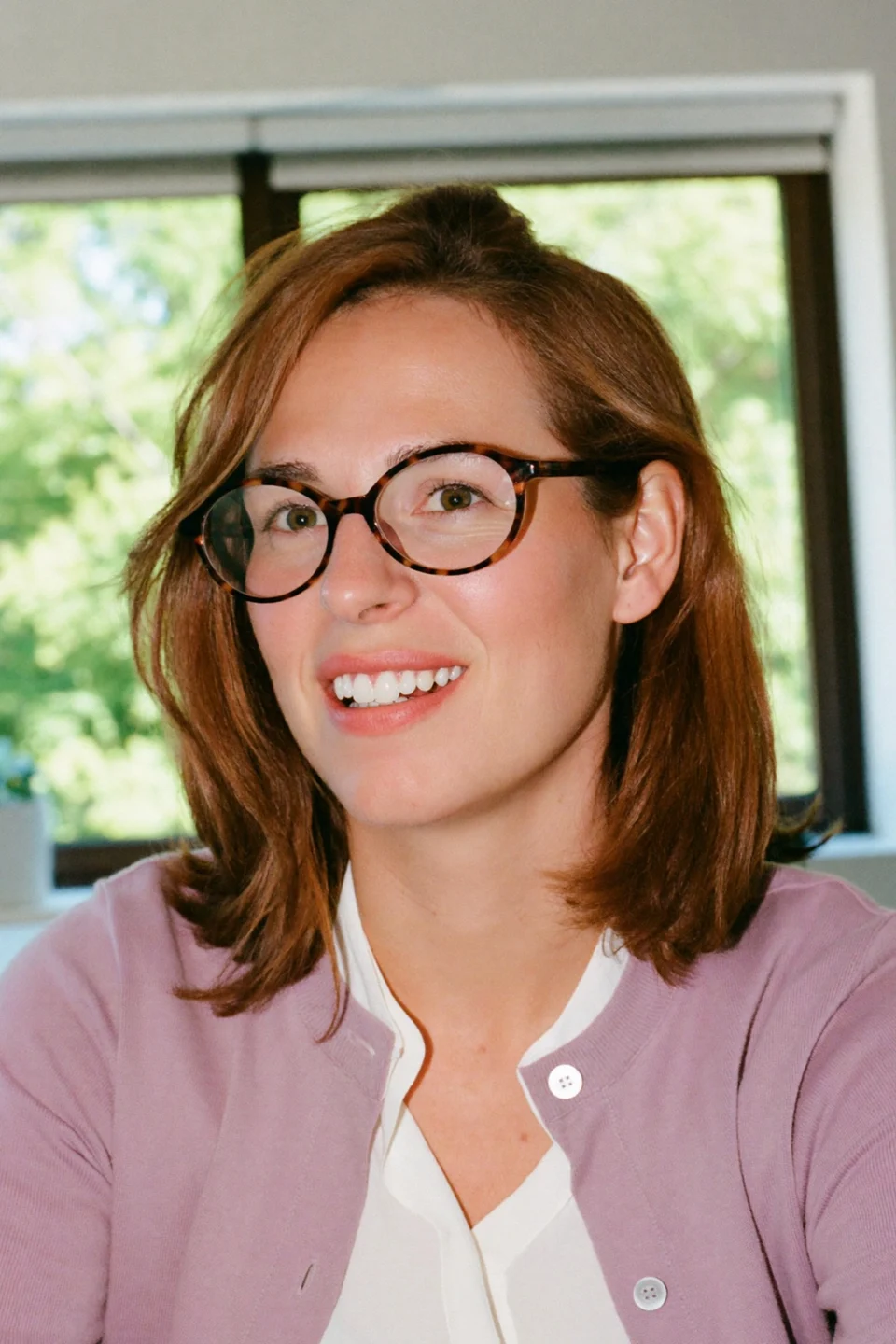
Tanya R.Office manager, Maple Grove 3 samplesfor every templateWe sent three sample notes at setup, and the templates matched our format before we went live.
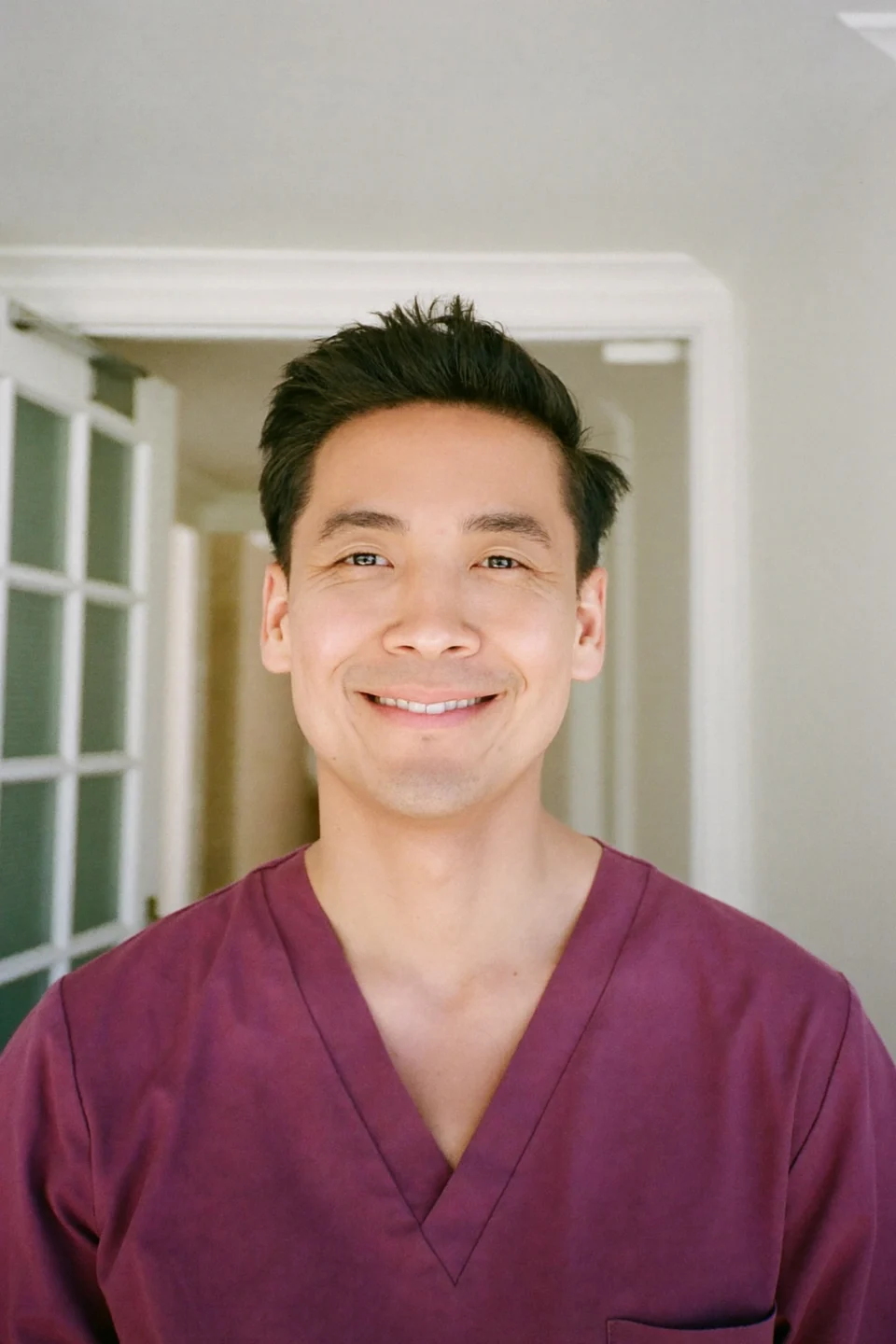
Marco S.Hygienist, Northgate Zerotyping after cleaningsI go over home care with every patient while I clean. Now that advice lands in the hygiene note without me typing it afterward.
Jordan L.Operations director, four offices 4offices, one note formatAll four offices share one set of templates now, so every note reads the same wherever it was written.


Common questions
Asked before the first recording
Try a word like template, consent or microphone.
6 questions
How does the scribe work?
The AI scribe records the visit through the staff app, then turns the conversation into a draft under your note headings for you to read, change and sign.
Can the dentist fix the draft first?
Yes. Every line of the draft can be changed, and nothing is kept until the dentist or hygienist signs it.
Does it hear the assistant and the patient?
Yes. It keeps track of who is talking, so a question the patient asks mid-exam still makes it into the draft.
Will it work in a noisy operatory?
Yes. Set the phone near the chair, or add a room microphone in an open bay.
Do signed notes end up in our practice software?
Yes. Once signed, each note is filed to that patient in your practice software, through a link our team sets up. Compatible Software names the systems we connect.
Is consent needed to record a visit?
Yes. Our team adds a consent-to-record line to your intake forms, so each patient agrees in writing before the visit.
Popular searches
Still have a question?
Email Lauren at sales@flossbooked.com about note templates, recording consent or the microphone setup.
Lauren PierceAccount manager
Request a demo